
 Email guides
How to Write an Email
How to Secure Your Email Account
Best Private Email Providers
Email basics
All email basics →
What Is Email?
A straightforward explanation of email and what it is used for.
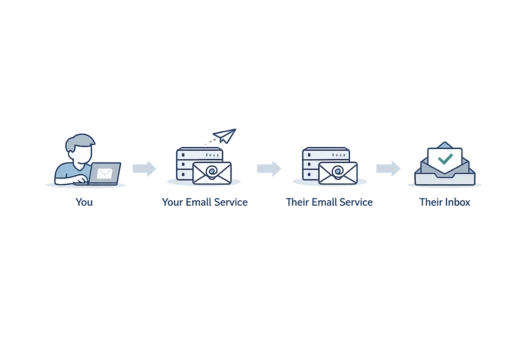
How Does Email Work?
Follow a message from the sender to the recipient’s inbox.
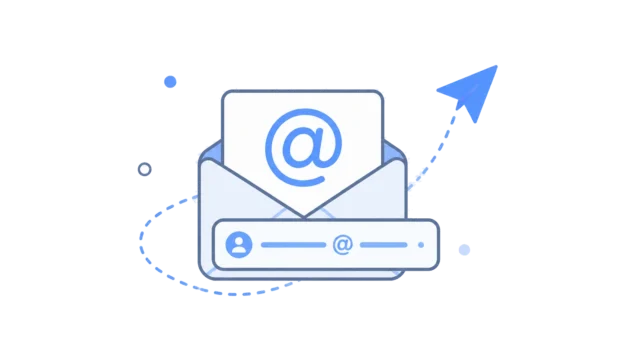
What Is an Email Address?
Understand the different parts of an email address.
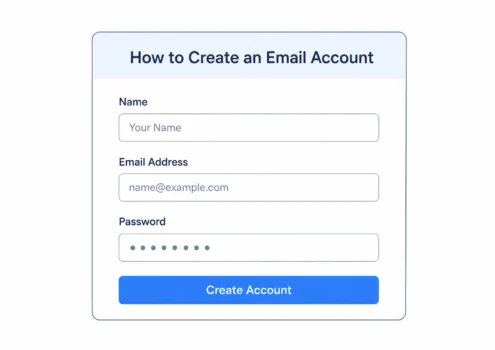
How to Create an Email Account
The steps involved in setting up a new email account.
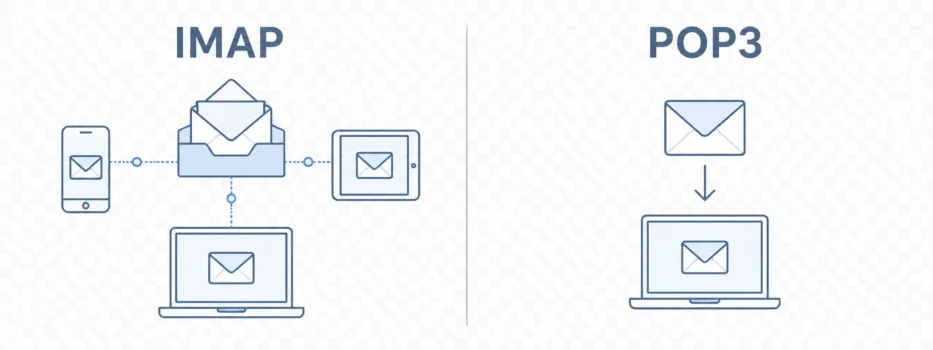
IMAP vs POP3
How these two ways of accessing email differ.
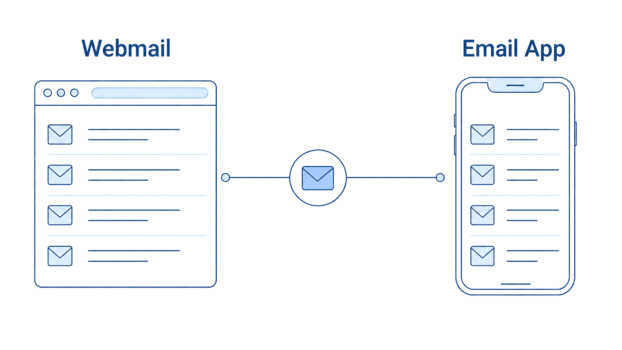
Webmail vs Email Clients
Accessing email in a browser compared with an app.
Using email
Everyday guides
Email providers and comparisons
All comparisons →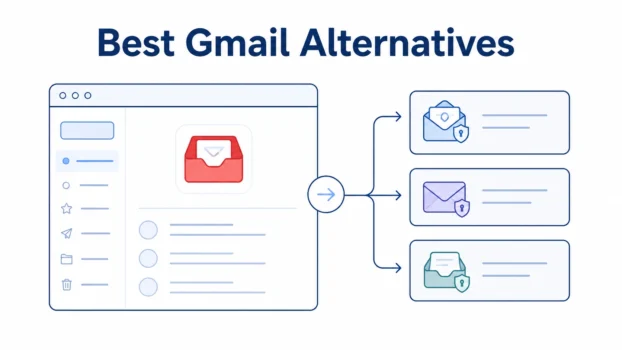
Best Gmail Alternatives
Alternatives to Gmail, including privacy-focused and conventional email services.
Proton Mail vs Gmail
Privacy, usability and the differences between the services.
Proton Mail vs Tuta
A comparison of two privacy-focused email providers.
Proton Mail Pricing
Proton Mail plans, features and renewal costs.
Proton Unlimited Review
What the wider Proton subscription includes and its trade-offs.
Privacy and security guides
All privacy guides →
Does Gmail Read Your Emails?
What Google’s systems do with email content.
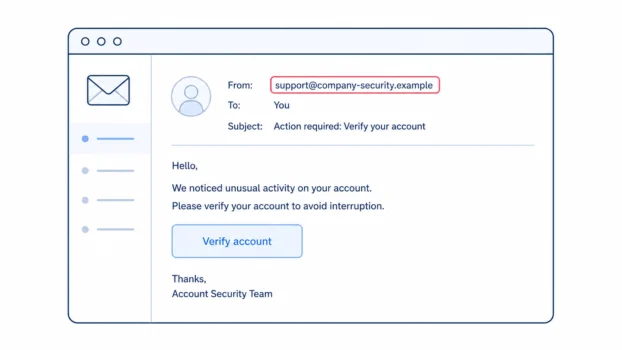
What Is Phishing?
How phishing messages work and what to look for.
How to Encrypt Email
Ways to protect messages using different email services.
Can Your Email Be Hacked?
Common ways email accounts are taken over.
Is Email Private?
What ordinary email protects and where privacy has limits.
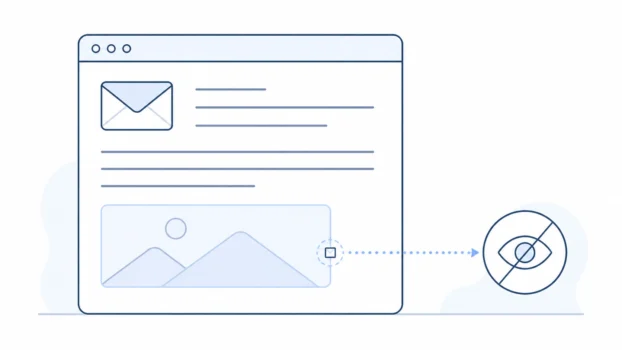
Email Tracking Pixels
How hidden images can be used to measure email opens.
Browse by topic
Latest articles
All articles →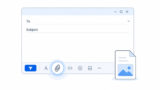
To attach a file to an email, start or open the message, select the attachment control, which is commonly shown as a paperclip, and choose the file from your …
 Bobby Wilson
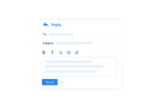
To reply to an email, open the message, select Reply, write your response, check who will receive it and select Send. Use Reply all only when everyone …
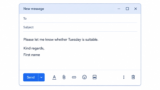
An email normally ends with a final sentence, a suitable sign-off and your name. The final sentence can ask for a reply, thank the recipient, confirm what …
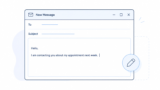
Start an email with a greeting such as “Hi”, “Hello” or “Dear”, followed by the recipient’s name when you know it. On the next line, explain why you are …
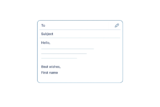
To write an email, use a clear subject, a suitable greeting and an opening sentence that explains why you are writing. Add the information or question the …
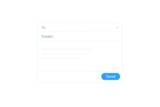
To send an email, open your email account and select Compose, New message or New mail. Enter the recipient’s email address in the To field, add a short …
Spam email is unwanted bulk email sent to large numbers of people at once. You receive it because your address has been exposed, collected or guessed at some …
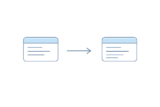
Forwarding sends an email you have received on to someone else. On any email service the steps are the same: open the email, find the forward button, enter …
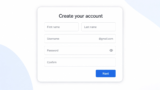
To create a Gmail account, go to Google’s account sign-up page, select Create account, and choose For my personal use. Google will then ask for your name, …
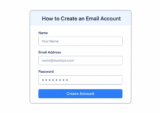
Creating an email account is free and usually takes only a few minutes. You sign up with an email provider, choose an available email address and create a …

Proton Mail is a private, Swiss-based email service that automatically encrypts messages between its users, so Proton cannot read their contents. It is a safe …
The most private email providers automatically apply end-to-end encryption, so even the provider cannot read the protected message content. Proton Mail and …