
 Email guides
How to Write an Email
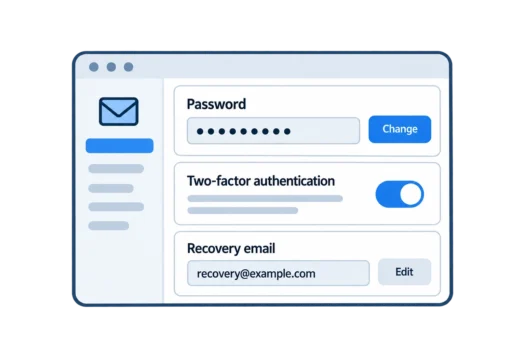
How to Secure Your Email Account
Best Private Email Providers
Email basics
All email basics →
What Is Email?
A straightforward explanation of email and what it is used for.
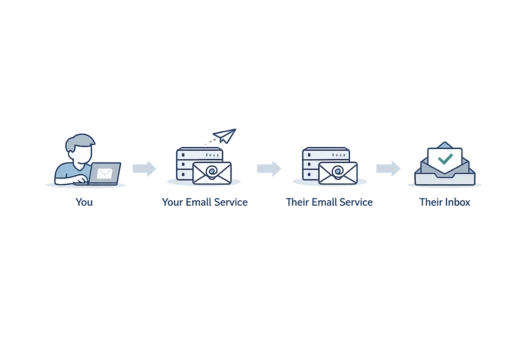
How Does Email Work?
Follow a message from the sender to the recipient’s inbox.
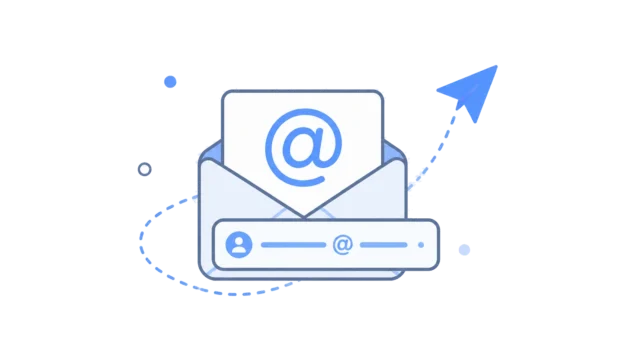
What Is an Email Address?
Understand the different parts of an email address.
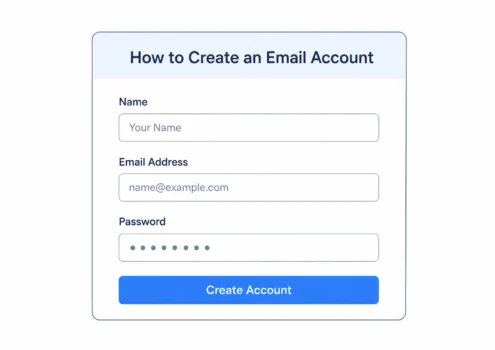
How to Create an Email Account
The steps involved in setting up a new email account.
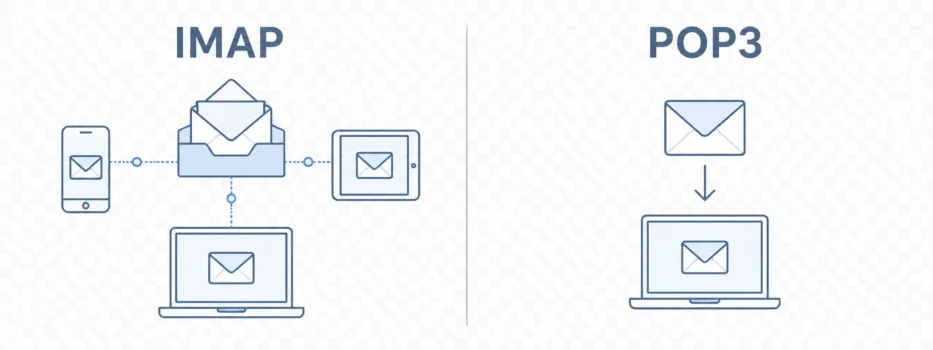
IMAP vs POP3
How these two ways of accessing email differ.
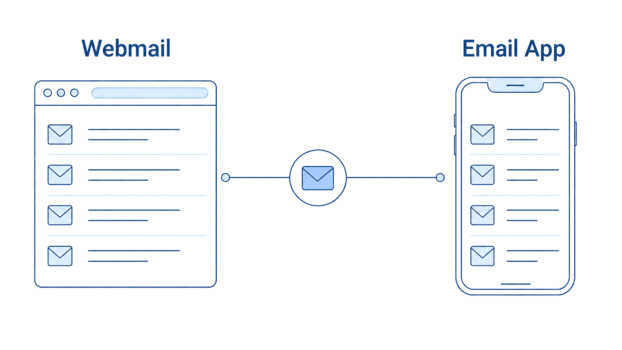
Webmail vs Email Clients
Accessing email in a browser compared with an app.
Using email
Everyday guides
Email providers and comparisons
All comparisons →
Best Gmail Alternatives
Alternatives to Gmail, including privacy-focused and conventional email services.
Proton Mail vs Gmail
Privacy, usability and the differences between the services.
Proton Mail vs Tuta
A comparison of two privacy-focused email providers.

Proton Mail Pricing
Proton Mail plans, features and renewal costs.
Proton Unlimited Review
What the wider Proton subscription includes and its trade-offs.
Privacy and security guides
All privacy guides →
Does Gmail Read Your Emails?
What Google’s systems do with email content.
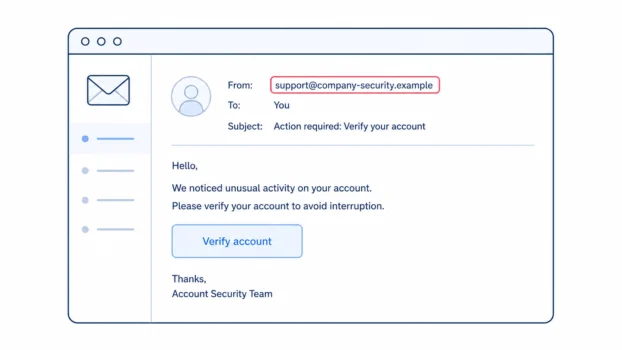
What Is Phishing?
How phishing messages work and what to look for.
How to Encrypt Email
Ways to protect messages using different email services.
Can Your Email Be Hacked?
Common ways email accounts are taken over.
Is Email Private?
What ordinary email protects and where privacy has limits.
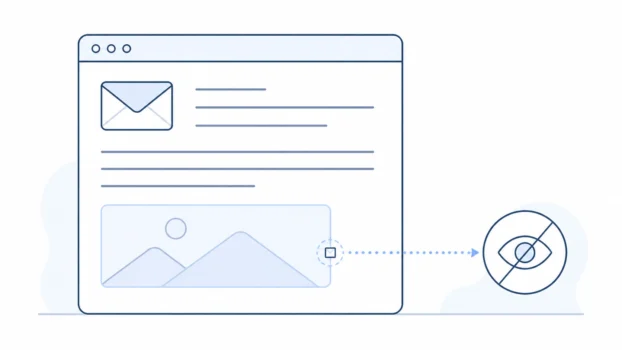
Email Tracking Pixels
How hidden images can be used to measure email opens.
Browse by topic
Latest articles
All articles →
Gmail’s automated systems process your emails to run features such as spam filtering, malware scanning, search and smart suggestions. This processing is …
 Bobby Wilson
To encrypt an email, use your email service’s built-in protection or send it from an end-to-end encrypted email provider. Gmail has Confidential Mode, but it …
Encrypted email means the message is scrambled so it cannot be easily read by people or systems it was not meant for. But encrypted can mean different things: …
Email is not fully private by default, but it does have real protections. Your account login protects your inbox, and messages are usually protected in …
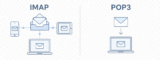
Choose IMAP unless you have a specific reason to use POP3. IMAP, or Internet Message Access Protocol, keeps your inbox in sync across devices. POP3, or Post …

SMTP stands for Simple Mail Transfer Protocol. It is the rule system email services use to send messages out and pass them towards the recipient’s email …

Email works by passing your message from your email service to the recipient’s email service. Your service checks the address, sends the message, the other …
CC copies extra people into an email, and everyone can see who was copied. BCC also copies extra people into an email, but the other recipients cannot see the …

An email address is the online address people use to send email to you. Its meaning is simple: it points to your email account and inbox, just like a postal …
Email is a way to send digital messages over the internet. It works like a letter, but it goes from one email address to another instead of from one street …

Webmail means reading your email through a website in a browser. An email client is an email app on your phone, tablet, or computer. They are not usually …