
 Email guides
How to Write an Email
How to Secure Your Email Account
Best Private Email Providers
Email basics
All email basics →
What Is Email?
A straightforward explanation of email and what it is used for.
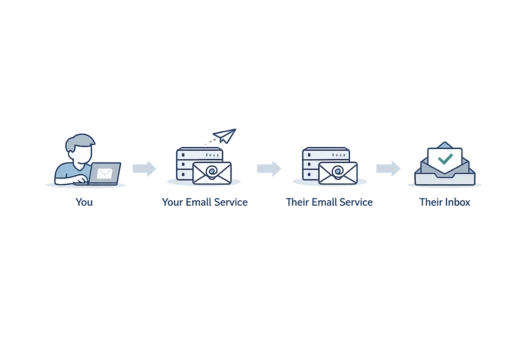
How Does Email Work?
Follow a message from the sender to the recipient’s inbox.
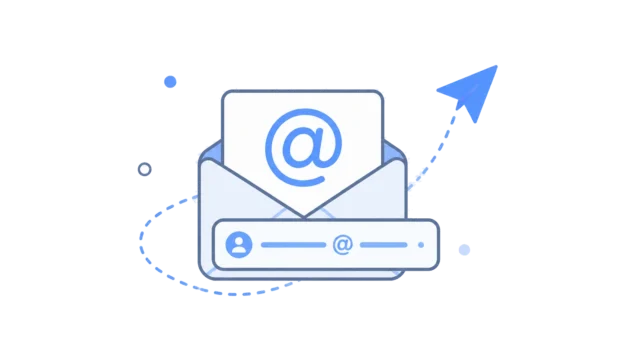
What Is an Email Address?
Understand the different parts of an email address.
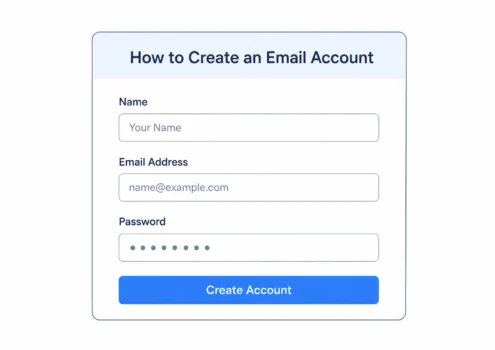
How to Create an Email Account
The steps involved in setting up a new email account.
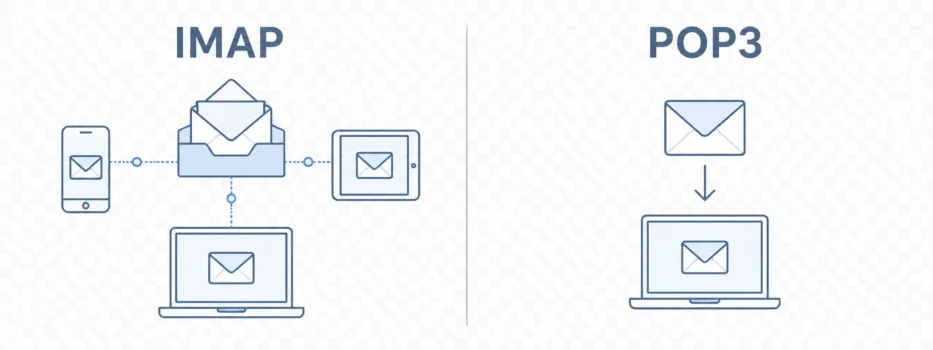
IMAP vs POP3
How these two ways of accessing email differ.
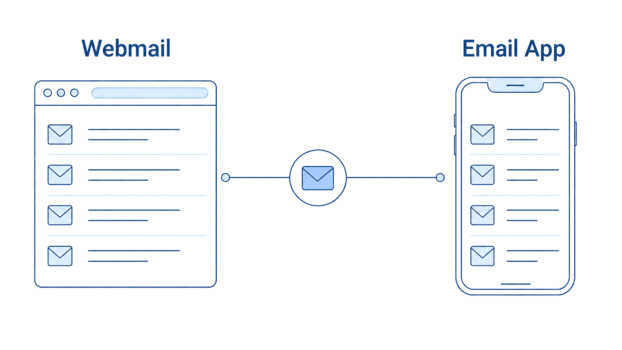
Webmail vs Email Clients
Accessing email in a browser compared with an app.
Using email
Everyday guides
Email providers and comparisons
All comparisons →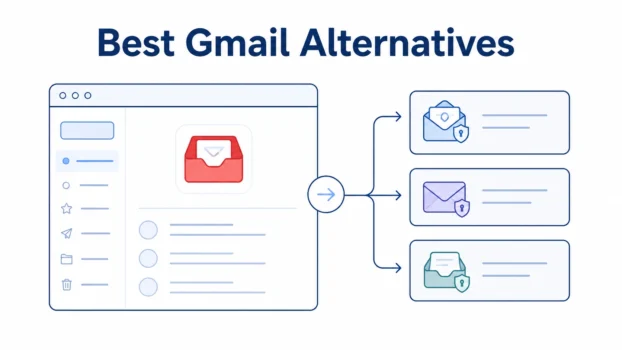
Best Gmail Alternatives
Alternatives to Gmail, including privacy-focused and conventional email services.
Proton Mail vs Gmail
Privacy, usability and the differences between the services.
Proton Mail vs Tuta
A comparison of two privacy-focused email providers.

Proton Mail Pricing
Proton Mail plans, features and renewal costs.
Proton Unlimited Review
What the wider Proton subscription includes and its trade-offs.
Privacy and security guides
All privacy guides →
Does Gmail Read Your Emails?
What Google’s systems do with email content.
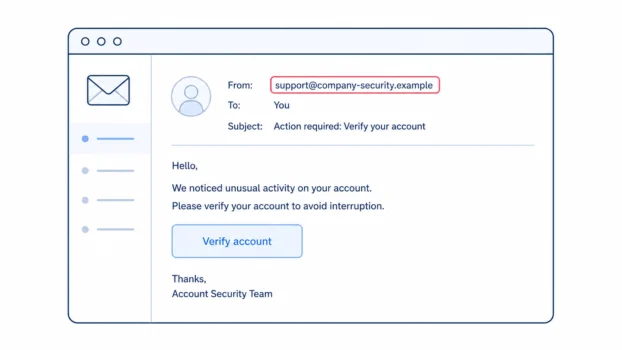
What Is Phishing?
How phishing messages work and what to look for.
How to Encrypt Email
Ways to protect messages using different email services.
Can Your Email Be Hacked?
Common ways email accounts are taken over.
Is Email Private?
What ordinary email protects and where privacy has limits.
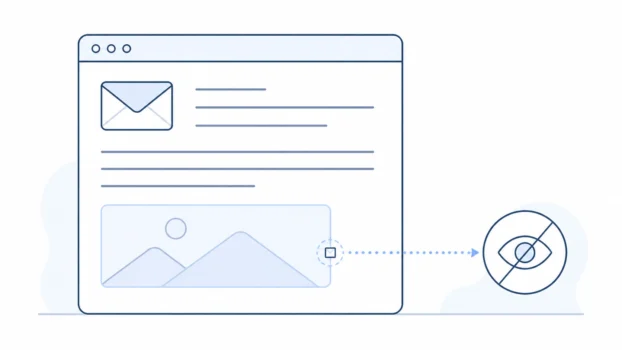
Email Tracking Pixels
How hidden images can be used to measure email opens.
Browse by topic
Latest articles
All articles →
If you cannot sign in to Gmail, use Google’s account-recovery process and follow the verification options it gives you. Gmail is part of your Google Account, …
 Bobby Wilson
Email spoofing is when an email is made to appear as though it came from a different sender.The name or email address shown in the From field may look …
Email folders are named places used to group and organise email messages. Standard folders such as Inbox, Sent and Drafts are usually created automatically, …
If you are not receiving emails, first work out whether one message is missing, emails from one sender are missing, or all new emails have stopped arriving. …
If you deleted an email by mistake, check Trash, Bin or Deleted Items first. Most major email services move deleted messages there temporarily rather than …
Most email services let you block a sender. Usually, you open a message from the sender, open the message or sender options, then choose Block or Block …
To unsubscribe from a legitimate email, newsletter or mailing list, open a message from the sender and select Unsubscribe. The option may appear near the …
Gmail does not have a normal Archive folder. When you archive an email, Gmail removes it from your Inbox but keeps the message in your account. You can find …
Archiving an email removes it from your main inbox without deleting it. The message is still kept in your mailbox, so you can normally find it again, search …

IMAP is a standard way for an email app to access and manage messages in a mailbox stored on an email server. It allows the same mailbox to be used across …
Your email address is the address used to send and receive email, such as firstname.lastname@example.com. This page cannot see your personal address, but you …

Outlook can recall some emails after they have been sent, but only with supported Microsoft 365 work or school accounts. Normally, the sender and recipient …