
 Bobby Wilson

Posteo is a privacy-focused email provider that costs €1 per month. I bought an account with my own money to see what you actually get for that price and whether it is good enough for everyday email.
I tested sending and receiving emails, replying to messages, using attachments, creating aliases and managing calendar events. Everything I tested worked, and I found Posteo easy to use. For someone who wants a basic email account without paying for features they do not need, I think Posteo is excellent value for money. I give it 7.5/10 overall and 10/10 for value.

Verdict: Posteo is a simple and basic email provider, that provides excellent value for money for anyone looking for a simple basic email provider and does not need custom domain support or a more modern provider
- 10/10 on Value: Excellent value at €1 per month
- Easy to use for everyday email
- Green and Privacy focused email provider
- Very easy and simple sign up process that requires very little information
- Three email aliases included
- Very basic and dated looking
- No support for custom email domains
- Not a good pick for anyone who wants more advanced email product offering
What is Posteo?
Posteo is a German email provider that focuses on privacy and straightforward email without advertising. Unlike providers that offer several different subscription packages, Posteo has a standard account costing €1 per month, with optional paid upgrades for additional storage and email aliases.
The account includes email, a calendar, contacts and notes. You can use everything through Posteo’s website or connect the account to other email apps.
Signing up for Posteo
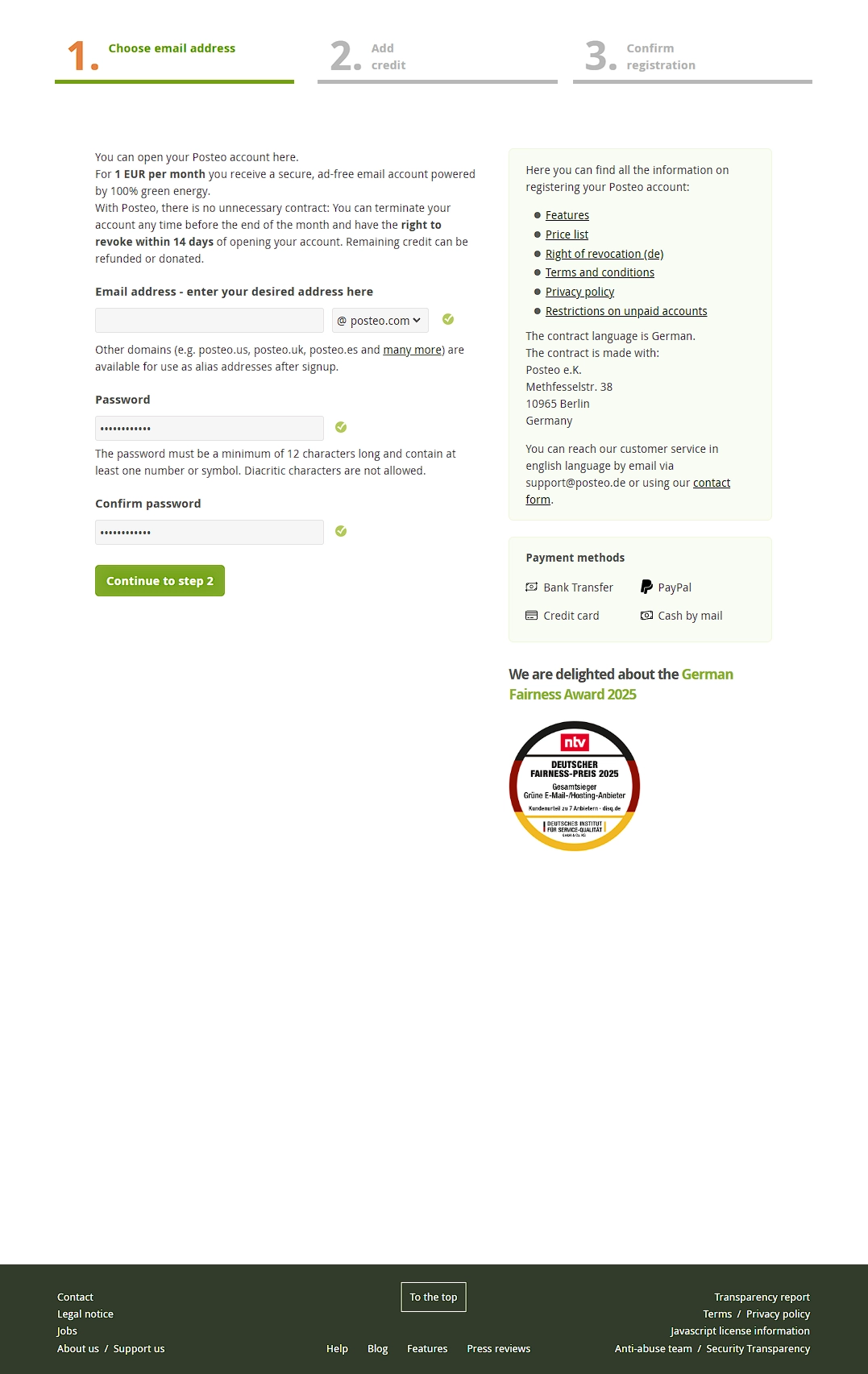
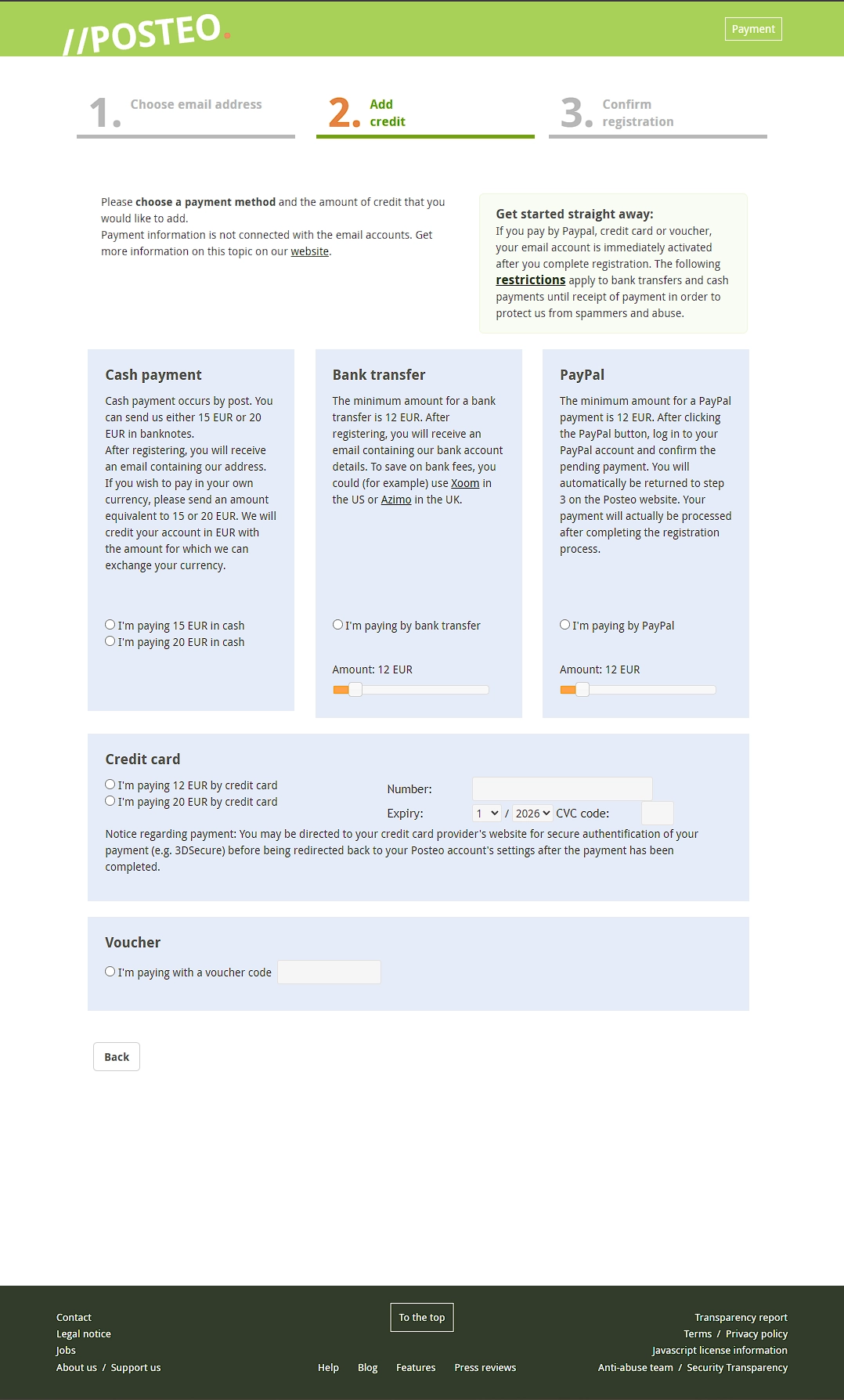
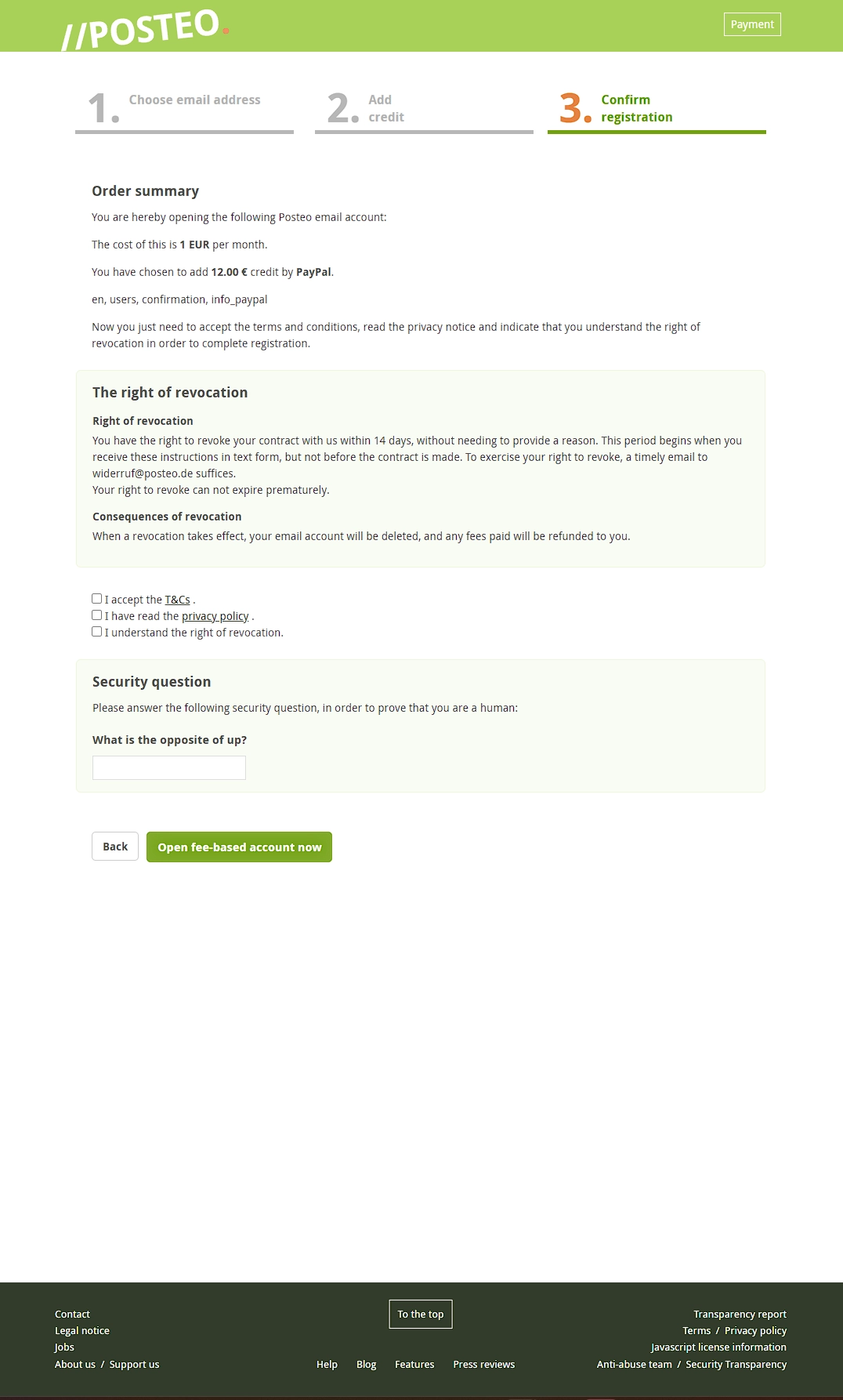
Signing up was straightforward. The process involved three steps:
- Choose an email address and password. I could select my preferred address using one of Posteo’s available domain endings.
- Choose a payment method. Posteo offered PayPal, bank transfer, card payment and cash.
- Confirm the account and payment. The final step showed the prepaid balance and account terms.
Paying for Posteo
I paid €12 using PayPal, which gave my account €12 in prepaid credit. Although Posteo costs €1 per month, PayPal and bank transfers require a minimum €12 top-up to start. Posteo then deducts the monthly fee from that balance, so this is not a locked 12-month contract.
Posteo also accepts physical cash sent through the post. That means putting actual euro banknotes in an envelope and posting them, with a minimum payment of €15.
What is Posteo like to use?
The first thing I noticed after signing in was how dated the inbox looked. It feels old-fashioned next to Gmail, but that is a matter of appearance rather than how well it works. I could see where everything was straight away, without having to learn a new way of managing email.
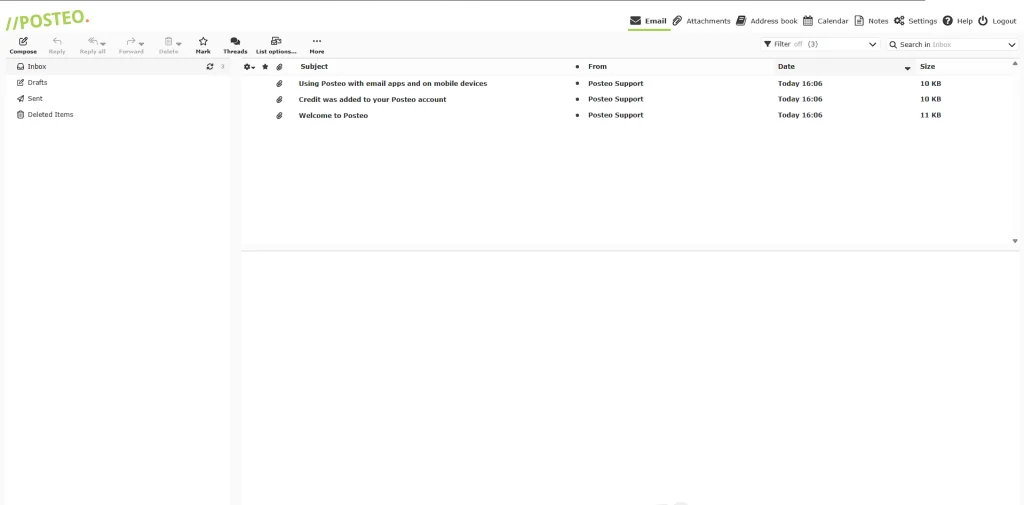
I sent emails, received messages and replied to emails without any problems. Writing a message felt straightforward, with the usual fields for the recipient, subject and message. I also tested attachments in both directions, sending a file from Posteo and opening one that arrived in my inbox. Both worked without any problems.
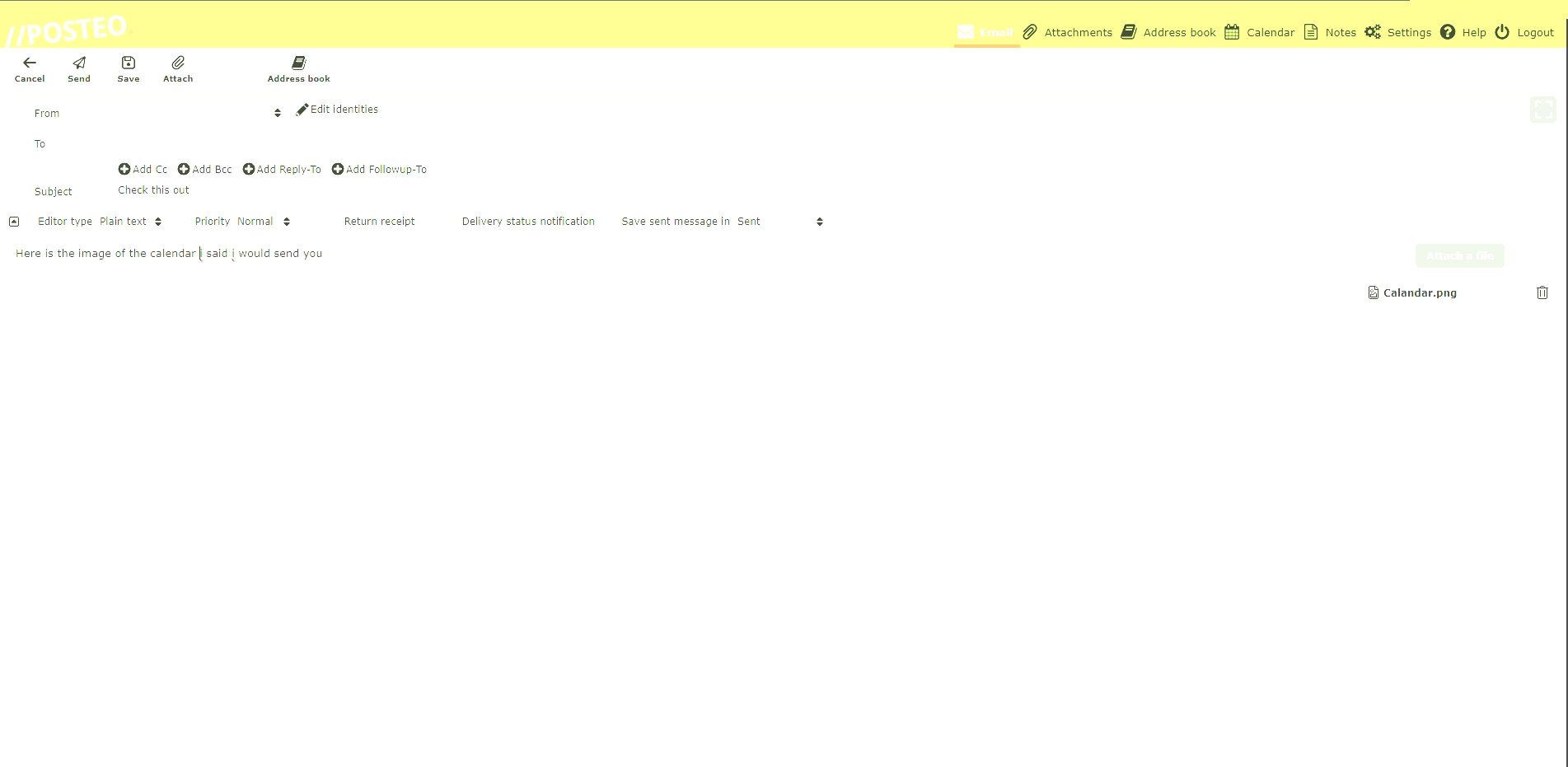
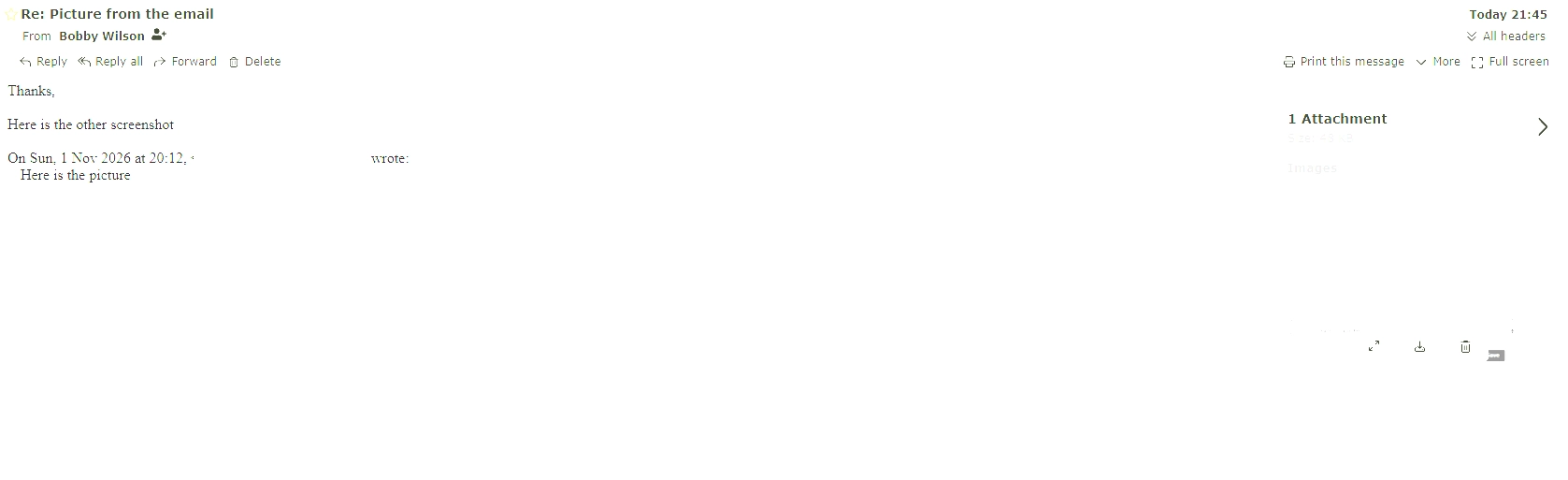
None of the emails I sent to other services during my testing landed in their spam folders, including Gmail. That was a positive result, although it does not guarantee that every email sent from Posteo will avoid spam filters.
Customising the interface
Posteo offers 12 colour themes, each with contrast options, as well as a dark mode. They are a nice touch, but they change the colours rather than the layout, so the inbox looks much the same underneath.
Calendar, contacts and notes
Posteo includes a calendar alongside its email service. I created an event and then changed its time and date.
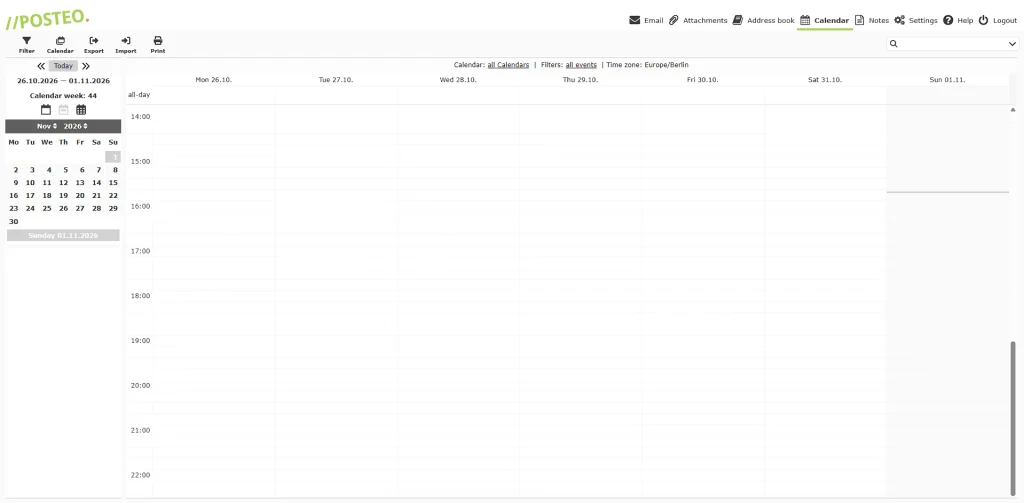
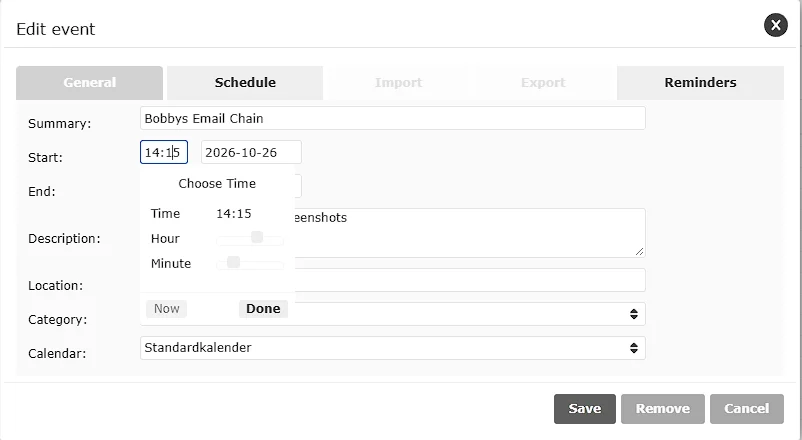
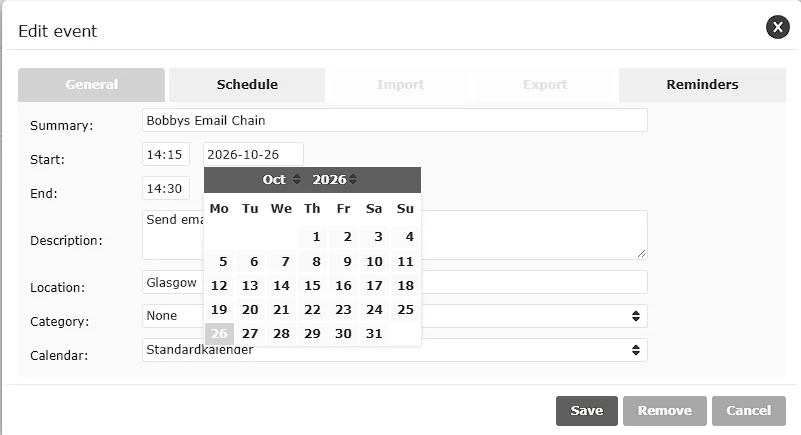
It is a simple calendar, and it handled everything I tried. Contacts and notes are just as basic, and both worked without any problems. When I started writing an email, typing the first three letters of a saved contact brought up their address. You can also send a note to someone by email.
Email aliases and storage
Posteo includes three email aliases, which are additional email addresses that deliver messages to the same inbox. Extra aliases cost €0.10 each per month, with a maximum of 25 per account.
I found creating an alias straightforward. I opened the account settings, entered the address I wanted, selected a Posteo domain ending and saved it. There was no complicated setup involved.
When I signed up, the domain menu offered 51 different endings, including @posteo.de, @posteo.com and @posteo.co.uk. These are different address endings you can choose from, not 51 free aliases. They are also Posteo-owned domains rather than a custom domain you own yourself.
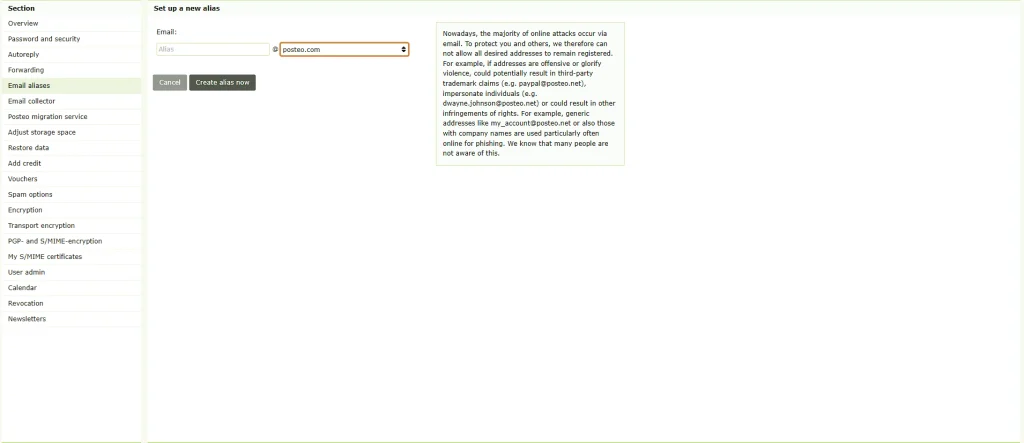
See all 51 Posteo email domain options
For storage, Posteo includes 4 GB with the standard account. This allowance was increased from 2 GB in February 2026 without increasing the monthly price. Additional storage costs €0.25 per GB per month, and you can increase the total allowance to 75 GB.
To put 4 GB in perspective, my own Gmail account uses about 3.9 GB after around eight years of everyday email. A lot of that is old newsletters and marketing emails I never deleted, so a clear-out would free up a good amount of space. Even without one, adding a couple of extra gigabytes would only bring Posteo to around €1.50 a month. For most people who use email for everyday messages rather than large attachments, 4 GB should last a long time.
If you are moving from Gmail or Outlook, Posteo can import your emails and folders from up to three existing accounts. It can also keep collecting new messages from your old address while you switch over.
Does Posteo have an app?
Posteo does not have a dedicated email app of its own to download from the Apple App Store or Google Play. Instead, it provides a web app that works through a browser on phones, tablets and computers.
You can also connect Posteo to other email apps, allowing you to manage your messages without using its website.
Is Posteo private and secure?
Privacy
Posteo’s stated policy is that it shows no adverts, does not sell customer data and does not need your real name to register. It also says it keeps your payment details separate from your mailbox. You can turn on two-step login too, which asks for a code from an app on your phone as well as your password.
Encryption
For security, Posteo supports encrypted connections between email servers. This is called TLS, and it protects the connection while an email travels between servers, rather like sending it through a sealed pipe.
Posteo offers optional TLS-sending and TLS-receiving guarantees. The sending guarantee prevents Posteo from delivering a message to another email server unless an encrypted connection can be established. The receiving guarantee applies a similar requirement to incoming email, although this can prevent messages from arriving if the sending service does not support the required encryption.
I enabled the TLS-sending guarantee and sent an email to Gmail. The message arrived, and Gmail displayed “Standard encryption (TLS)”. I then sent a test email to CheckTLS, a free service that checks how an email is sent, and it reported that my email was sent securely using TLS.
TLS is not the same as end-to-end encryption, which means only you and the person you are writing to can read the message. Posteo offers optional end-to-end encryption, but it is not enabled automatically for every email. You can set it up through Mailvelope or Posteo’s newer S/MIME browser add-on for Firefox and Chrome. Posteo also sells an optional S/MIME certificate for €3.65 per year.
Posteo also offers Crypto Mail Storage, which encrypts emails saved in your mailbox. If you enable it and forget your password, Posteo cannot recover that encrypted mailbox for you.
Spam and fake emails
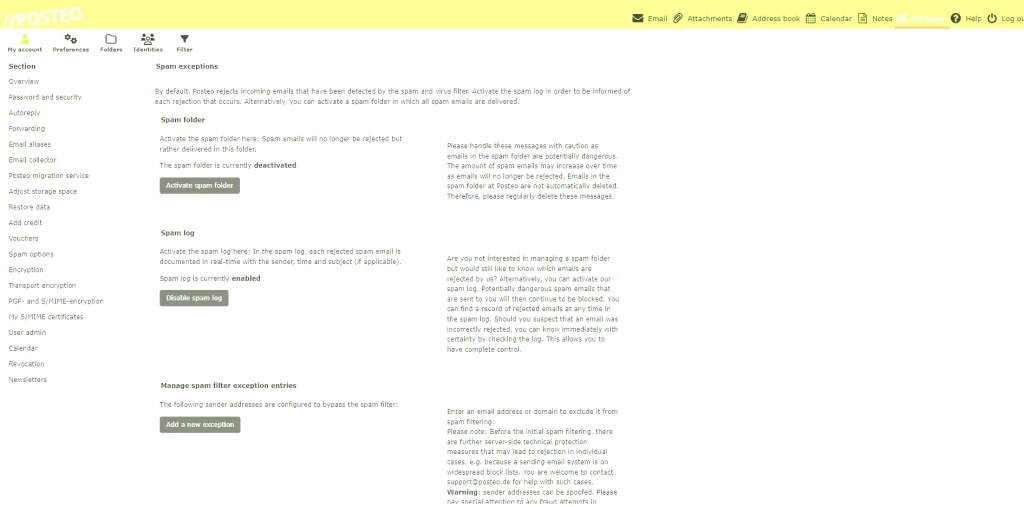
For unwanted messages, Posteo rejects suspected spam by default. An optional spam folder is available, but it was switched off in my account, while the spam log was enabled. The log provides information about rejected messages rather than storing them like a normal spam folder.
DMARC is a setting that tells other email services what to do with fake emails pretending to come from a domain such as posteo.de. An October 2026 assessment by the European Commission’s Joint Research Centre found that Posteo’s main domain was set to monitor these emails rather than ask for them to be blocked. This is about fake emails using Posteo’s name, not anyone getting into your account.
How much does Posteo cost?
Posteo costs €1 per month, with 4 GB of storage and three aliases included. I give it 10/10 for value for money, particularly because the standard account includes the features most people need for everyday email.
| Feature | Price |
|---|---|
| Standard account | €1 per month |
| Included storage | 4 GB |
| Included aliases | 3 |
| Additional storage | €0.25 per GB per month |
| Additional aliases | €0.10 each per month |
| Optional S/MIME certificate | €3.65 per year |
Extra storage is charged monthly on top of the standard account price. For example:
| Total storage | Monthly account cost |
|---|---|
| 4 GB | €1.00 |
| 5 GB | €1.25 |
| 10 GB | €2.50 |
| 20 GB | €5.00 |
| 50 GB | €12.50 |
| 75 GB | €18.75 |
The monthly fee comes out of your prepaid credit, so a €12 top-up lasts a year on the standard account. You can cancel monthly with 14 days’ notice, and any remaining credit can be refunded or donated to a non-governmental organisation.
What I didn’t like about Posteo
My main complaint is the dated appearance. The inbox and calendar work well, but they look old-fashioned next to Gmail or Proton Mail, and that matters when it is something you open every day.
The bigger limitation is the lack of custom domains. A custom domain is an email address using a domain you own, such as you@yourname.com, rather than an address ending in a provider’s name. This matters because your email address can become connected to banking, shopping and other online accounts over many years. With your own domain, you can change email providers while keeping the same address.
With Posteo, you can take your existing emails to another provider, but you cannot take your Posteo address with you. Some people use outside forwarding services as a workaround, but this is not the same as Posteo supporting custom domains and removes much of the simplicity that makes the service appealing. If you have no interest in owning your own domain, this will never affect you.
I would also prefer a dedicated mobile app, rather than relying on the browser or another email application. Posteo is also focused on email rather than offering a wider collection of privacy products, although that is not necessarily a drawback if email is all you need.
Is Posteo worth it?
Yes, I think Posteo is worth €1 per month if you want an affordable email account for everyday use. Everything I tested worked, and I had no difficulty using the inbox, attachments, aliases or calendar. For someone who only wants email without a bundle of extra products, it covers the everyday basics well.
Personally, I prefer Proton Mail because of its more modern design, support for custom domains on eligible plans and additional privacy products. Those features matter to me, but they will not matter to everyone, particularly someone who only wants a basic email account. If those features matter to you too, it is worth comparing other private email providers before deciding.
That is why I give Posteo 7.5/10 overall but 10/10 for value. It is not the email provider I would choose for myself, but for €1 per month, it offers a lot of useful functionality without making everyday email complicated.